
DeskJoin Screen
Turn Another Device into a Second Display — Free
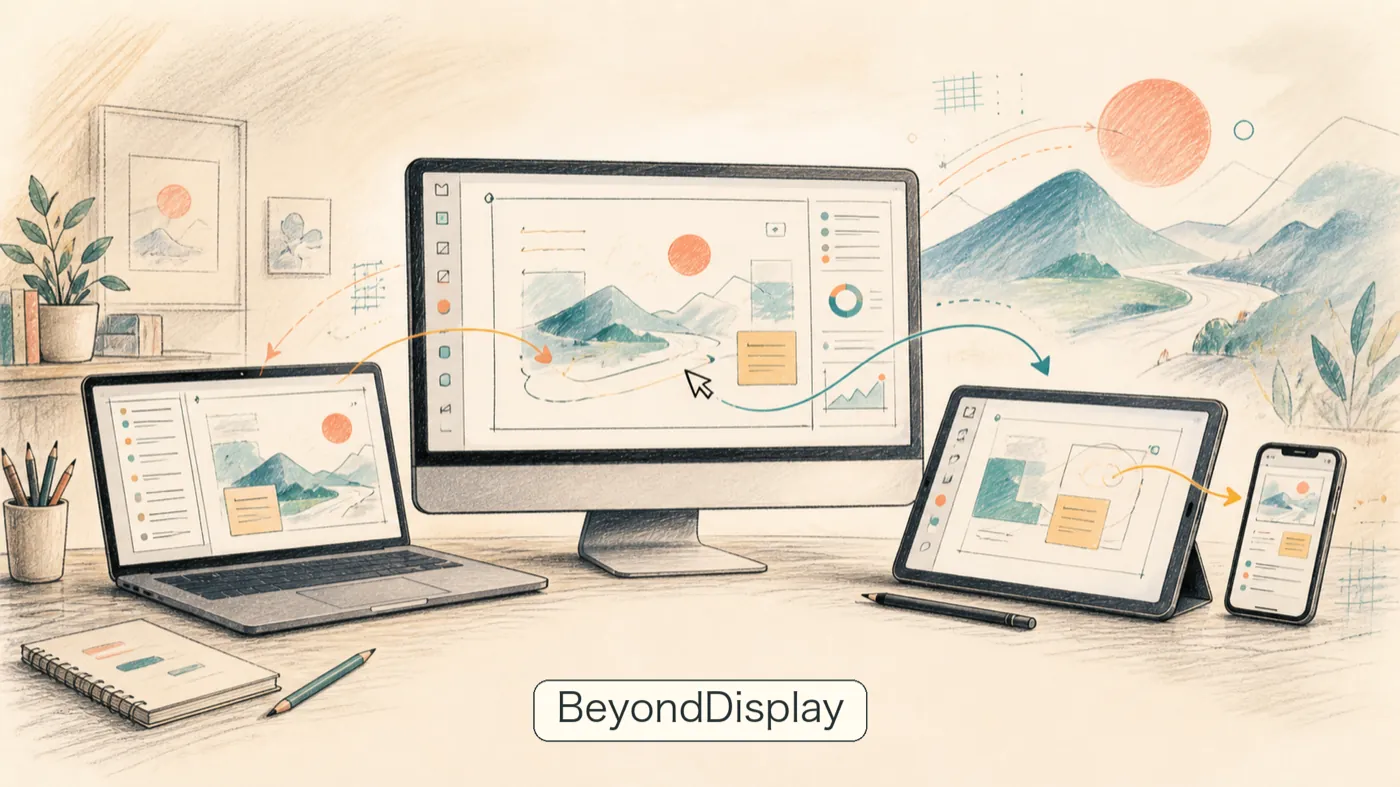
- No subscription or product login.
- No cloud relay for screen streaming.
- No screen content uploaded to DeskJoin.
- Install the same small app on both devices.
How to Use
Install DeskJoin Screen on both devices. Open the app on each device, then choose the device you want to connect.
Features
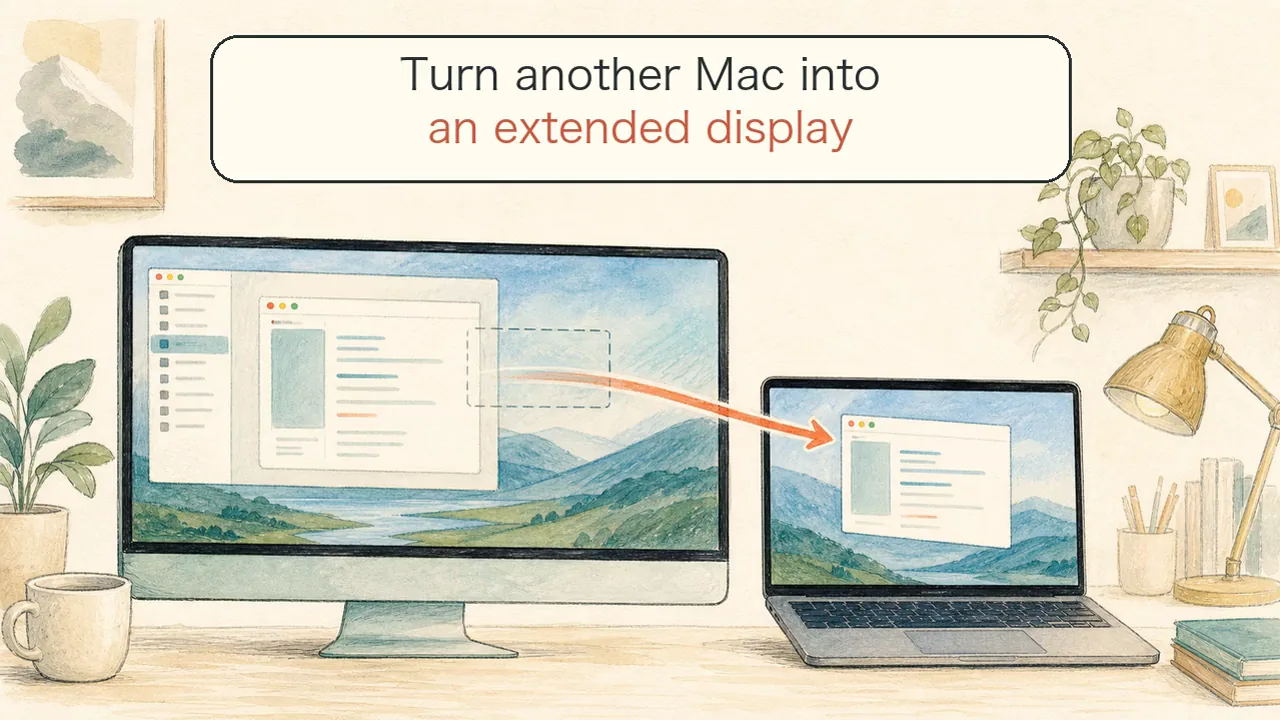 Extend another monitor
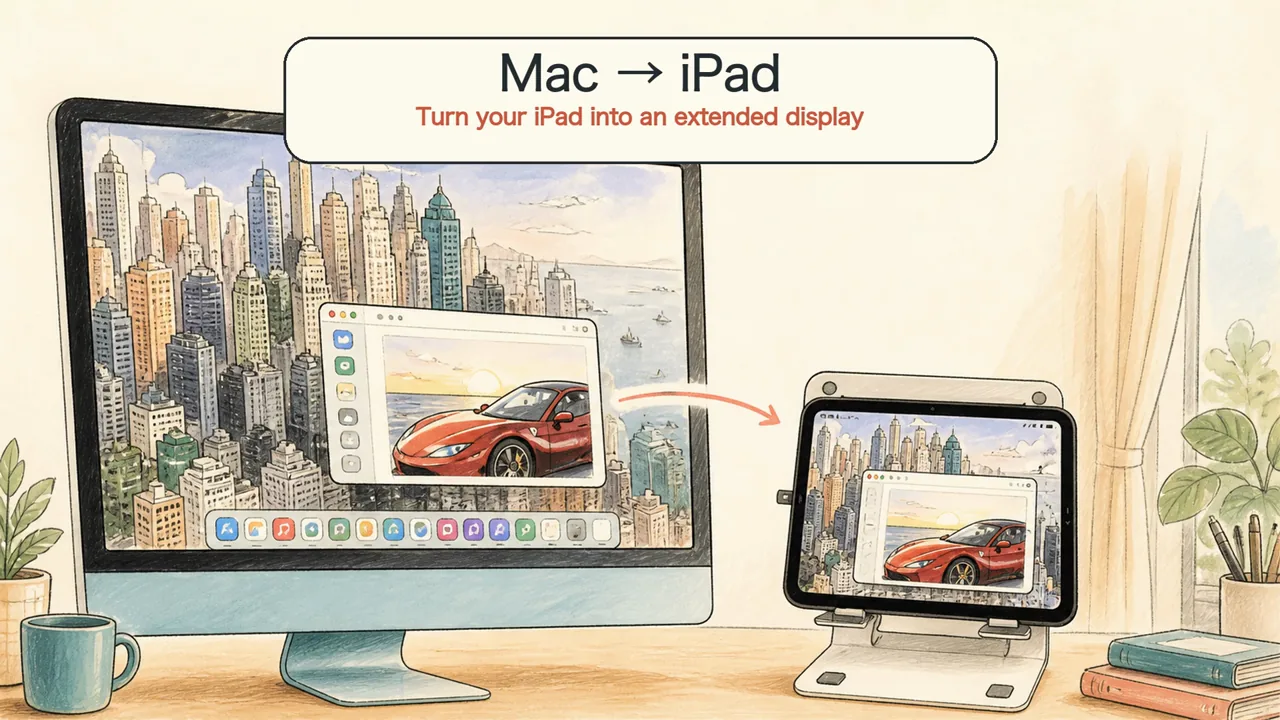 Use an iPad as a second monitor
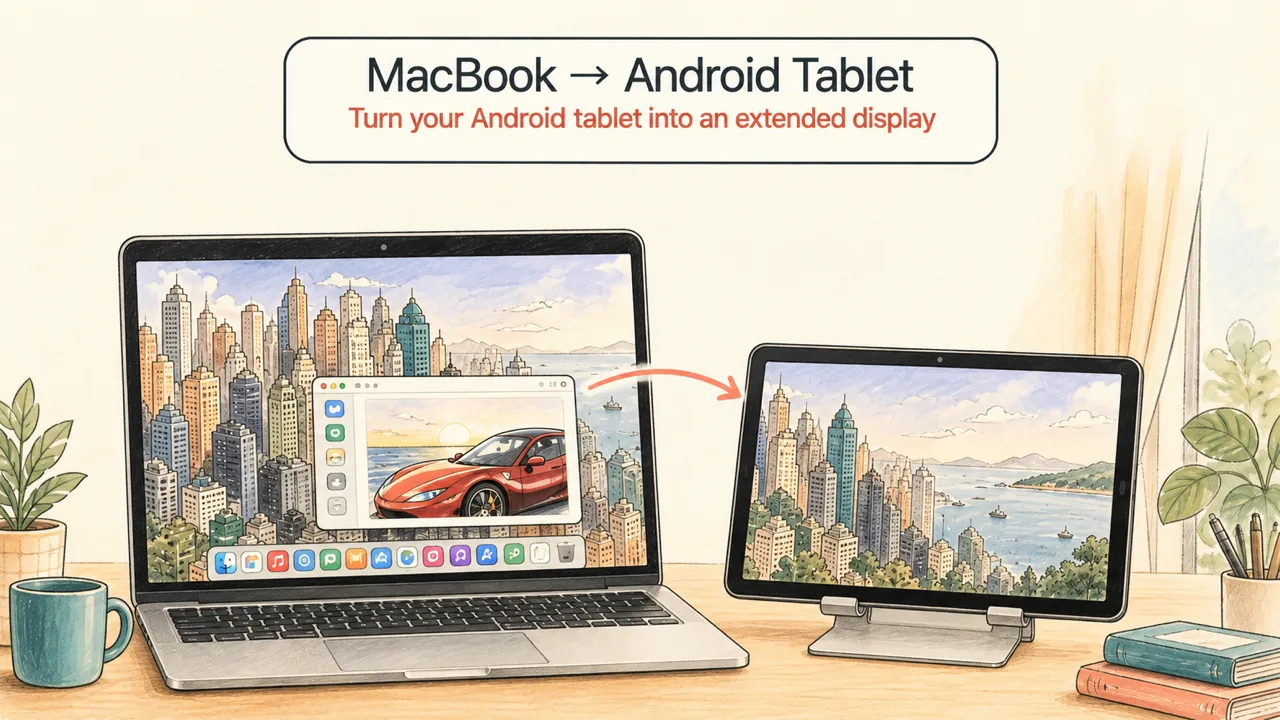 Use an Android tablet as a second monitor
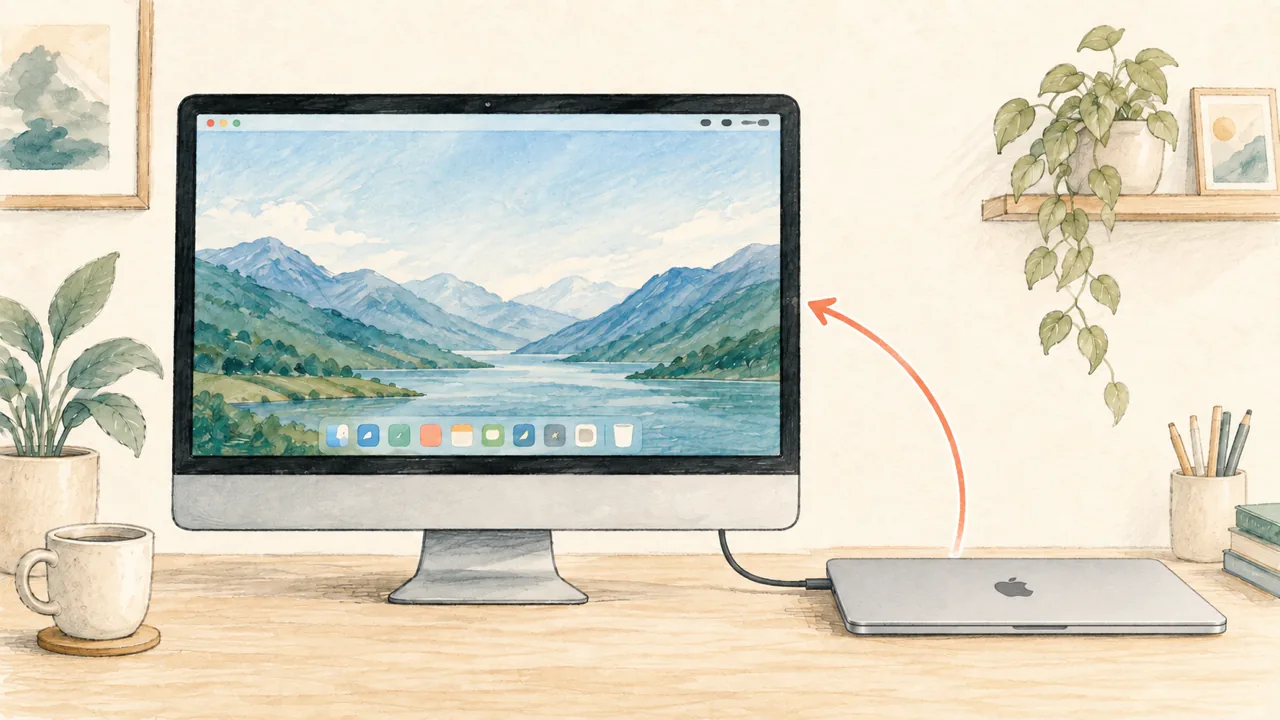 Use an iMac as your MacBook's main display
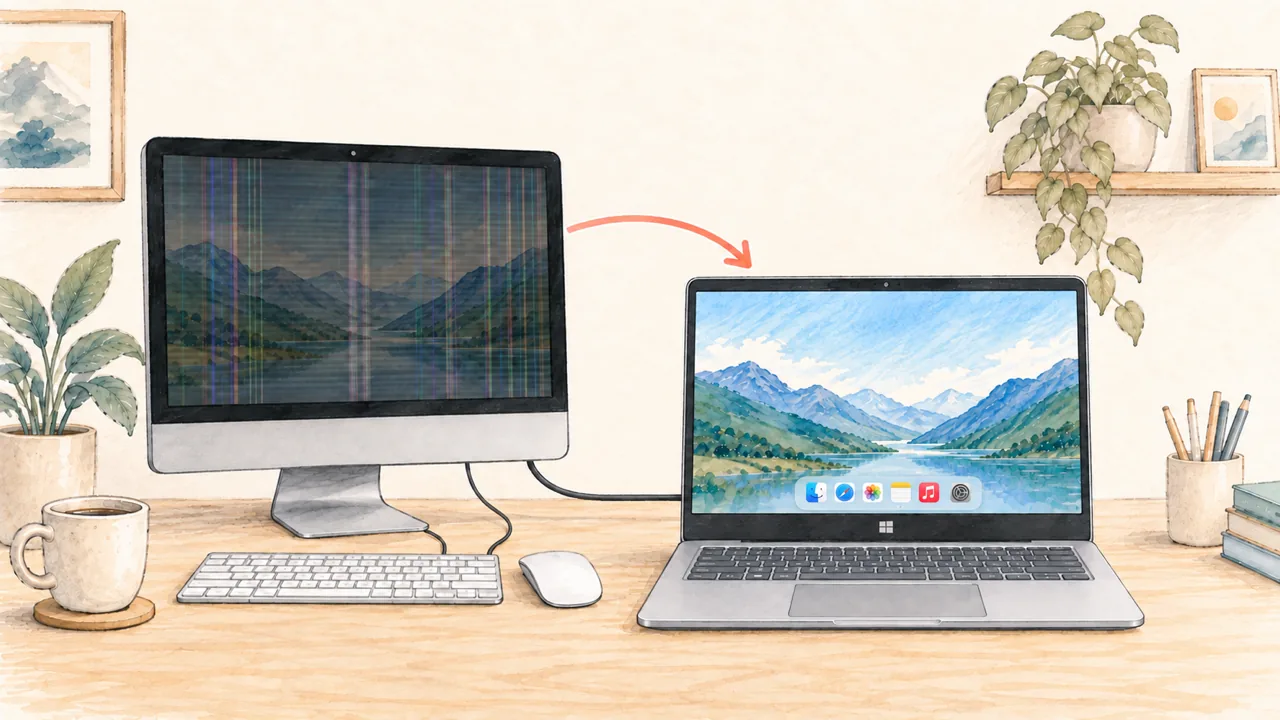 Broken iMac screen? Use a Windows notebook
A second display that looks clear and feels smooth.
Crisp and clearHigh-quality streaming keeps text, windows, and interface details easy to read.
Smooth and responsiveLow-latency local streaming keeps movement and everyday interaction fluid.
Great for videoPlay video on the other computer while keeping your main display free for work.