Available now · App Store
Extend your Mac desktop to iPad
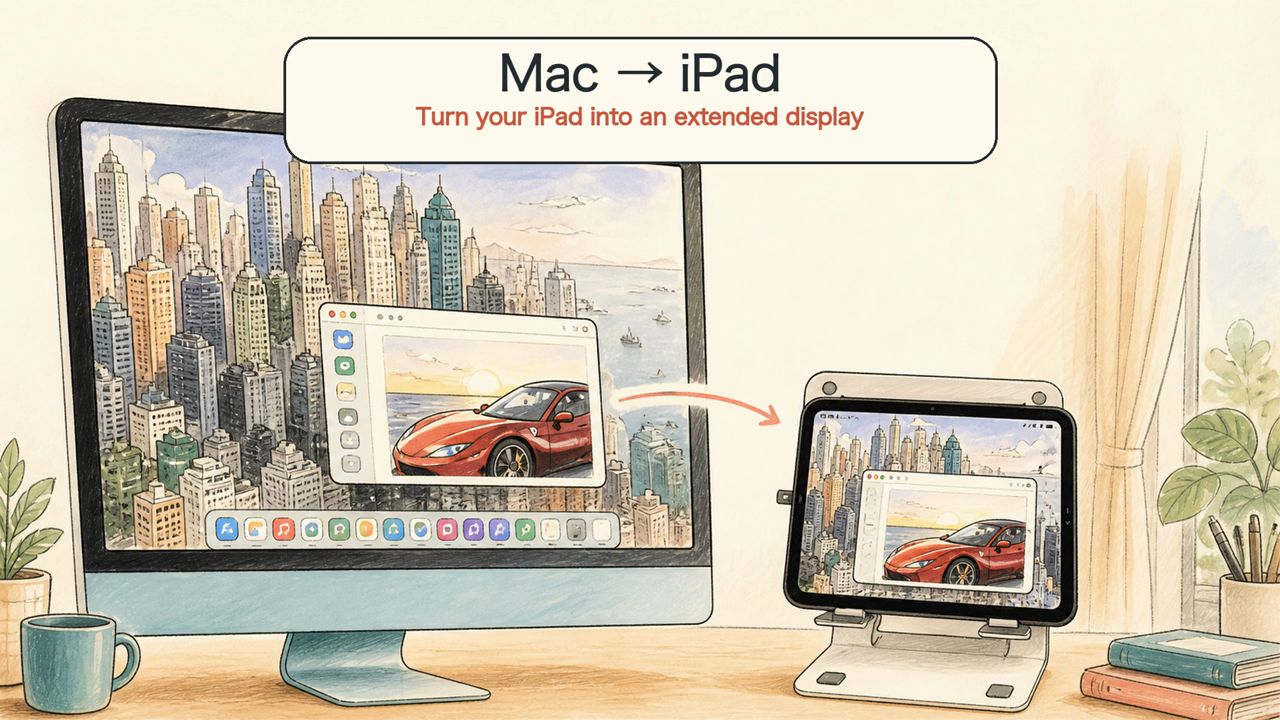
Keep your main work on the Mac and move reference pages, messages, controls, or another app window onto the iPad. The Mac sends the extended desktop; the iPad becomes the receiving display.
 DeskJoin
DeskJoin Screen · Mac and iPad guide
Turn an iPad into extra screen space for your Mac. DeskJoin Screen extends the Mac desktop over your local network—free, without a product account or subscription.
Available now · App Store
Keep your main work on the Mac and move reference pages, messages, controls, or another app window onto the iPad. The Mac sends the extended desktop; the iPad becomes the receiving display.
Yes. DeskJoin Screen creates an additional display on a compatible Mac and shows that desktop on an iPad. It is useful when you want more workspace without carrying another computer monitor.
This is an extended desktop, not simply a copy of the Mac screen. Move a window past the edge of the Mac display and it appears on the iPad.
Step-by-step setup
Install DeskJoin Screen on the Mac whose desktop you want to extend. The Mac creates the additional display and sends it to the iPad.
Download DeskJoin Screen for iPad from the App Store on an iPad running iOS or iPadOS 17 or later.
Connect the Mac and iPad to the same reachable local Wi-Fi or Ethernet network, then open DeskJoin Screen on both devices.
On the Mac, choose Extend and select the iPad. The extended Mac desktop will appear on the iPad.
Open Displays settings on the Mac to place the iPad screen to the left or right of the main display and choose a comfortable resolution.
Sidecar is Apple's built-in way to use an iPad as a Mac display, but it requires both devices to sign in with the same Apple ID and works only between a Mac and an iPad.
DeskJoin Screen extends a Mac desktop to an iPad, a Windows PC, or an Android device over your local network, so the same free app covers more of your devices. See how it compares to Duet Display and Luna Display as well.
Yes. Install DeskJoin Screen on a compatible Mac and on an iPad running iOS or iPadOS 17 or later. Start Extend from the Mac and select the iPad as the receiving display.
Yes. DeskJoin Screen for iPad is available now on the App Store: https://apps.apple.com/us/app/deskjoin-screen/id6813087910
The Mac creates and sends the extended desktop. The iPad version currently works as the receiving screen for a Mac Extend session.
Yes. Both devices must be reachable on the same local network. A strong Wi-Fi connection helps keep the display clear and smooth.
No. DeskJoin Screen is free and does not require a product account or subscription. The display session stays on your local network.
Sidecar only connects a Mac to an iPad. DeskJoin Screen also extends a Mac desktop to Windows and Android devices, so the same workflow works even when the second screen isn't an Apple device.
Free · No account
Install DeskJoin Screen on the Mac and iPad, then start Extend from the Mac.